Monday, December 13, 2021

How Do You Play the Breeze Map in Valorant?

Breeze offers a tiny civilization on a large island that has ruins, caves, stranded ships and garbage that has washed ashore. Breeze is the largest map, which requires quick movement to allow additional time for rotations. Similar to Split, Bind, Icebox and Ascent, there are two Spike plant sites on Breeze (labeled A and B). Strategy is key. You will want control of Mid to guard yourself from attackers. Let's take a closer look at some of its characteristics. Get the best Kovaak training videos by visiting this website.

Characteristics of Breeze

Attacker Side Spawn connects to Mid Bottom, A Lobby and Attacker Side Snake. This area can be used for deep flanks.

Mid Bottom is the lowest part. There is little cover, and Mid Cannon feeds into it. This is what makes it a popular area between sites to rotate. There aren’t many angles, but you can cover the A Hallway trash shoot and the A doors here.

Mid Cannon connects Mid Bottom to two paths (B Lobby and B Window) through a long hallway. This area also connects to Attacker Side Snake and B Elbow. It’s a dangerous area to be in. You will need to clear multiple angles here to avoid being killed. However, Attacker Side Snake has cover. You will need to move quickly here.

B Window provides a way for viewing and attacking players on B Site. You have an opportunity to attack players here, but you also run the risk of being attacked since there are a number of angles to cover here.

B Main connects to B Elbow and Mid Cannon and is a large, open area in B Site. You are generally safe here, and no one can peek at you. However, there are only two ways in, and you can be quickly surrounded. Only agents that can boost into the air can exit.

Mid Top connects to B Main through a hallway (B Elbow). You can use this to push towards Mid Top to avoid Mid Pillar. You’ll need to use cover or smoke to avoid being seen from Mid Nest.

Mid Pillar connects to Mid Top, A Metal Doors, Mid Low and Mid Bottom. In the center of Mid Pillar, you have crates and a stone pillar that provides an area of protection.

In addition to these areas, there are many others that have features to traverse, find cover, attack and more.

Get Help on Improving Your Game

This game is heavy on strategy and teamwork. Get the help you need with Kovaak training videos.

Read a similar article about Fortnite shooting training here at this page.

Thursday, November 25, 2021

Popular R6 Operators

Tom Clancy's Rainbow Six Siege, also known as R6, is a high-precision tactical shooter game that requires great skill to master. It's a fast-paced game with tons of unique features to offer. Thanks to its destructible environments and excellent maps, it's a thrill to play every match.

One of the best ways to change the gameplay experience is by choosing different playable characters, which this game calls operators. R6 has 60 unlockable operators. But which ones are the best?

Maverick

Maverick is a trusty attacker with tons of versatility. It takes a lot of time and practice to utilize everything Maverick has to offer. Luckily, FPS training programs can show you how to get better at aiming in Rainbow Six Siege.

Once you get there, Maverick is a strong attacker who can create long site lines and support other operators.

Ace

Ace is another attacker. However, his focus is on complex breaches. Ace is one of the best operators to use when trying to get an initial kill. He can disrupt the other team pretty efficiently, thanks to his use of the AK-12.

Pair that with his ability to use smoke grenades, and Ace is a well-rounded operator that's perfect for breaches.

Smoke

Smoke is a defender with the ability to hold off enemy pushes efficiently. As the operator's name would imply, gas grenades are the name of the game! His grenades are remote-activated, providing plenty of flexibility with placement and detonation.

As if that weren't enough, Smoke also uses the SMG-11 shotgun. After learning how to get better at aiming in Rainbow Six Siege, the gun is perfect for repeated headshots!

Valkyrie

Valkyrie doesn't have the most powerful weapons out there. Her MPX SMG doesn't do much damage despite its little recoil. But that's not what makes Valkyrie so great. It's her quick-deploy cameras that you want to take advantage of most.

The cams are easy to hide. They're discrete enough to go unseen. All the while, they collect intel to help you win!

Which Operator Will You Choose?

The operator you play as makes all the difference in R6. With their unique abilities and weapons, each character brings something new to the table. Experiment to see which one matches your play style the most.

Read a similar article about counter-strike global offensive trainer here at this page.

Friday, October 1, 2021

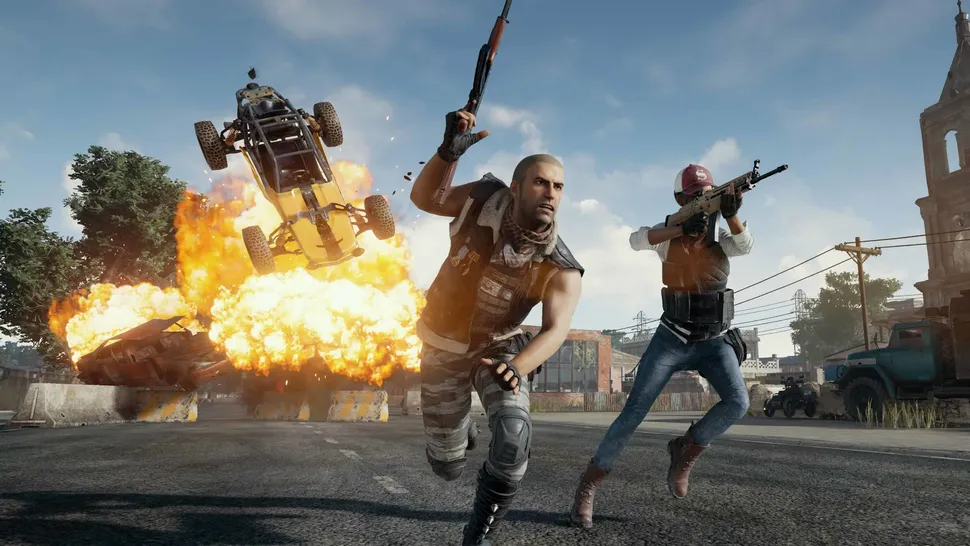
PUBG Player Launches Car Like A Medieval Catapult, Scores Double Kill


As a fan of sick vehicle stunts in videogames, I've seen a lot of impressive stuff. I've watched GTA 5 players bounce cars up to skyscrapers, Warzone pilots chop up the competition with helicopter blades, and Battlefield daredevils leap out of a jet, bazooka another jet, and get back in read more

Social Benefits of Gaming Communities

Just like any popular hobby, gaming has a huge community behind it. With that being said, a lot of interactions with a gaming community take place online, so it can sometimes be difficult to find a gaming community that fits you. Once you do though, it’ll be worth the time you put in to find it. There are a lot of meaningful social benefits that can come from joining a gaming community. Here are just a few of the benefits you might experience:

Increase Social Skills

Being a part of a gaming community can improve several surprising skills. For one, since you’re engaging with other people, it can improve your social and communication skills. The actual act of gaming also helps to improve problem-solving skills. Gaming can also help you build empathy and get a sense of belonging when you find the right community.

Friendships

Joining a gaming community can lead to you meeting people you never would have met otherwise. Many gaming communities are the catalysts for life-long friendships. Sometimes, meeting in a gaming community can even lead to a relationship or marriage!

Increase Gaming Skills

Being in a gaming community allows you to bounce ideas off your fellow gamers, talk tactics and strategies, and learn tips for getting better at your favorite games. If you learn enough from your gaming community, you can use it to your advantage and become a master of your favorite game.

Finding your Gaming Community

In order to join a gaming community, you need to find one first. There are several ways to find gaming communities. Here are some of the most common:

Gaming Forums: There are gaming forums that can be found all over the web. Just by searching, you can find forums that are specifically about a game that you love. This makes it easy to find other like-minded fans.

Gaming Subreddits: Reddit is another good place to find discussion about your favorite game. Many games have dedicated subreddits where fans of the game can gather. Otherwise, there are also subreddits for more general gaming discussions.

Gaming Websites: Many gaming websites allow you to create profiles and spark up discussions in the comment sections.

No matter what gaming community you choose to join, you’re going to love the social benefits that they come with. Communities like the Kovaak community are full of passionate gamers that are a lot like you. If you’re interested in joining the Kovaak community, try checking them out and joining today.

Read a similar article about the meta league here at this page.

Tuesday, August 31, 2021

On Behalf Of PC Gaming, Sorry About All Those Cheaters In Your Console Games


Remember when we couldn't all play games together just because we owned different boxes? That stank. Multiplayer games are better when there are fewer boundaries between us and our friends, which is why I've celebrated the increasing popularity of crossplay in the biggest games out there read more

Halo Infinite Gameplay Strategies

Everyone is waiting on pins and needles for Halo Infinite to release. Once the game is released, there is sure to be a huge influx of players at every level. If you want to have a decent chance of doing well right off the bat, it helps to have some gameplay strategies in mind before diving in. In this blog, we’ll give you some strategy advice for the upcoming Halo Infinite.

Practice With All the Weapons

Just because Halo Infinite isn’t out yet doesn’t mean you can’t go back to the other Halo games and get some practice in. Many of the weapons from older games will be included in Halo Infinite, so it will pay to have some experience under your belt. Of course, Halo Infinite might feel and play a little different, but the skills should definitely translate.

Master Your Headshots

One thing is for certain, there’s no better way to get a kill than with a headshot. Not only is it satisfying and a testament to skill, but it also does the most damage. If you can master your headshot skills, you’ll start out in Halo Infinite multiplayer with a huge advantage.

Learn the Maps

Once Halo Infinite is released, there are going to be plenty of people diving right in without any strategy at all. Of course, this is what everyone should do to have some fun. But once you’re ready to improve your skills and gain an edge, you should start learning the maps and mastering them. If you know the maps like the back of your hand, you’ll be able to discover advantageous spots, find the best way to reach objectives and much more.

Use Target Tracking Practice

Although you can’t jump into a Halo Infinite match just yet, that doesn’t mean you can’t get some general aim practice under your belt. With target tracking practice programs, you can perfect your aim and apply it to any FPS you play. Target tracking practice will help you learn to smoothly follow targets, aim and hit where you’re trying to hit. Try target tracking practice today to start mastering your FPS skills.

Read a similar article about tracking practice here at this page.

Tuesday, June 29, 2021

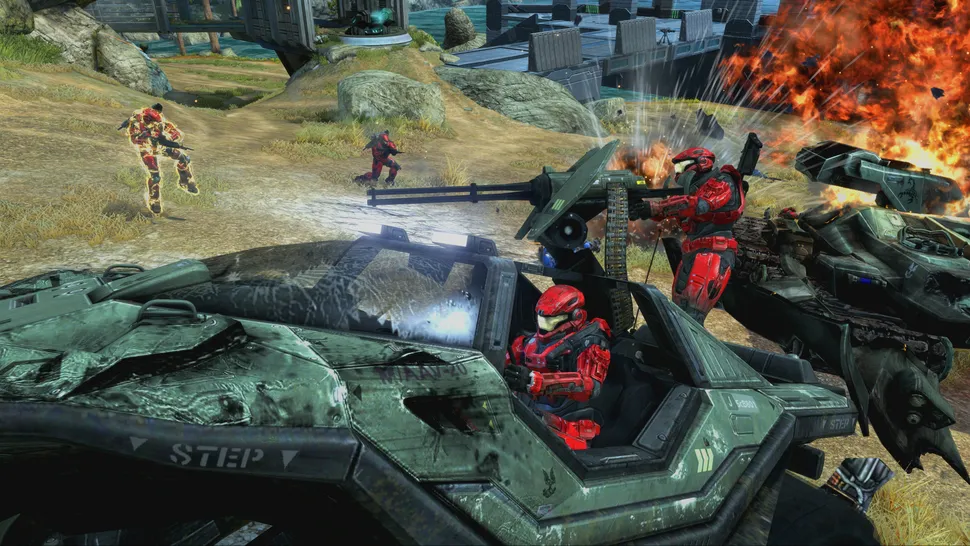
Halo: The Master Chief Collection May Someday Support Up To 60 Players


Halo's bombastic big team battles may someday get a whole lot bigger, according to one developer who wants to see Halo: The Master Chief Collection's player cap of 16 pushed as high as 40 or 60 read more

Ways to Improve Performance of Your Gaming Mouse

Your gaming mouse is an essential part of your setup. A good mouse could make all of the difference in a close match. But having a good gaming mouse is about more than just the gear. You also have to make sure you have your settings adjusted optimally for your gaming style. In this blog, we’ll break down some ways to improve mouse performance and cover tips for game mouse training.

Choose Your Mouse

Before you even start game mouse training, you need to decide which kind of mouse is right for you. The best options are going to be either a laser or an optical mouse. Which one you should choose just depends on what you’re most comfortable with. A laser mouse is typically more sensitive, while an optical mouse is typically a bit more accurate.

Programmable Keys

Many gaming mice will come with keys that you can hotkey certain functions to, saving you time in game. Make sure you pick a mouse that has keys that are in an intuitive and comfortable place for your hands. Programmable keys can help you improve your game a good bit, so this is definitely a nice feature to have.

DPI Settings

Your DPI determines the speed of your cursor. If you set your DPI higher, your cursor moves faster. You can set your DPI to whatever makes you most comfortable, but keep in mind that you might want to switch up speeds depending on the game you’re playing.

Mouse Movement

Many mice use Teflon in order to be smooth and quick on surfaces. If you’re noticing your mouse performance declining, it never hurts to get some new Teflon tape and patch things up. You might be surprised at how much better your mouse performs with a new layer.

Game Mouse Training

Once you have your settings optimized, you’ll want to improve your skills too. Game mouse training will allow you to become more effective and efficient with your mouse movements, understand what settings work best for you and much more. If you really want to improve your game, try a game mouse training platform.

Read a similar article about aim trainer here at this page.

Monday, May 31, 2021

Overwatch 2 Pvp Will Be 5v5 With Only One Tank Per Team


Players vs player combat will undergo a big change for the upcoming Overwatch 2, as Blizzard revealed during today's livestream that PvP will change to 5v5 for the new game. The reduction from 6v6 PvP as it currently stands in Overwatch will also bring about changes in team composition, which will be limited to one tank, two DPS, and two support read more

What Am I Doing Wrong When I Play Counter-Strike Global Offensive?

Counter-Strike: Global Offensive is a hugely popular game, but it’s by no means easy. This is especially the case if you’re a novice just trying to get your feet wet. If you’re just starting out, then it’s likely you’re getting frustrated and wondering what you’re doing wrong. You’re definitely not alone. Luckily, with some CS:GO aim training, you can alleviate many of those frustrations.

Here are some tips for improving your aiming and becoming an overall better CS:GO player.

Find Your Optimal Sensitivity

Aim sensitivity is one of the most important settings for you to get right. People have different preferences for sensitivity settings, and it’s crucial for you to find the setting that works best for your playstyle. With CS:GO aim training platforms, you’ll be able to find your perfect sensitivity to put you on the road to becoming a more competitive player.

Make Sure You’re Equipped for Success

You can improve your game a lot by upgrading your at-home equipment. A good gaming mouse, mousepad and keyboard are essential. You don’t have to break the bank on this equipment, but you should make sure you get the best option for your budget. This way you can’t blame your gear when things aren’t going your way.

Practice Makes Perfect

It might sound like obvious advice, but you really do need to practice a ton in order to get good at CS:GO. You can use training maps or play deathmatches to help you get the hang of things. Expect a lot of losses at first, but you’ll gradually see improvement over time. Keep at it, and eventually you’ll be able to compete at a higher level.

Try CS:GO Aim Training

If nothing seems to be working for you, CS:GO aim training can be your answer. With CS:GO aim training, you’ll learn how best to play the game, find your ideal settings and have plenty of scenarios to try that make you better. CS:GO aim training is definitely the fastest and most effective way to bring your skills to the next level.

Read a similar article about aim training apex legends here at this page.

Monday, May 3, 2021

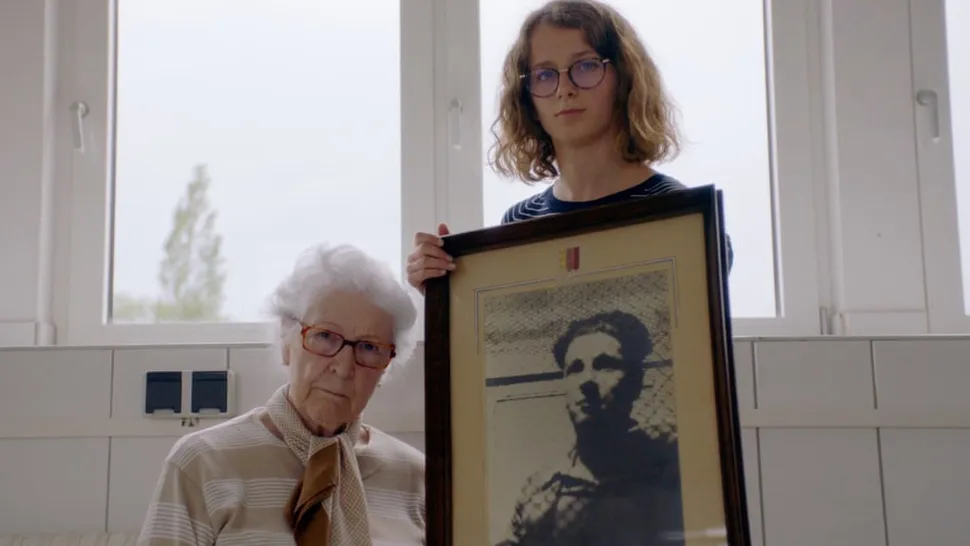
Respawn Just Became The First Oscar-Winning Game Developer


Respawn Entertainment might be the first and only studio to call itself "Oscar-winning", after a short WW2 film it helped produce won Best Documentary (Short Subject) at the Academy Awards this weekend read more

How to Find the Best Mouse Sensitivity for Your Play Style

One of the most common questions that players new to FPS or who are trying to improve their FPS skills have is “what mouse sensitivity should I be using.” As with many of these kinds of setting questions, the answer is unfortunately not so cut and dry. It really depends on how you play the game. However, if you’re still trying to hone in on your play style and want to know some general tips about mouse sensitivities, we’re here to help.

Choosing a High or Low Sensitivity

Many players are surprised how high their sensitivity is notched up when compared to pro-level gamers. Of course, there’s nothing wrong with high sensitivity, but it could be limiting your abilities in the game. You’ll have to adjust the settings usually to find your happy medium. Too low and you won’t be able to make those quick-reflex adjustments that are going to help you react and make the kills. Too high and you’ll be taking away some of your control and precision.

General Tips

In general, if you’re still trying to figure out your preferred sensitivity, a good guideline is being able to do a 180 flick easily and doing a full 360 when you go from each end of your mouse pad. These settings are by no means a one fits all approach, but it can be a good starting point if you’re trying to lock things in. Also, keep in mind that you can always make small adjustments if any of your equipment changes. Don’t think that just because you found your perfect setting that you have to keep it that way no matter what.

Try FPS Flick Training

If you really want to improve your FPS skills, we recommend trying out an FPS training platform. With things like FPS flick training, aim training, and more, you can really lock in your skill set and start playing at a high level. FPS flick training and other training courses will not only make you better at the game, it’ll help you learn what settings feel best for you.

Read a similar article about FPS aim trainer here at this page.

Thursday, March 4, 2021

A Banana Could Be Your Next PC Controller

While a mouse and keyboard is still the best choice for things like shooters, a controller is a must-have tool in your PC gaming arsenal. But with some of the best controllers being well over $100, it's not always a budget-friendly investment read more

5 Tips to Improve Your FPS Play Today

If you’re new to FPS games, there’s no shame in admitting that you’re not the best. Understandably, it takes time to develop high-quality skills, just like any other complex task does. However, if you’d like to up your game (and quickly), here are five major things you can do to improve your FPS play, starting right now.

1. Start first-person shooter training

First person shooter training resources like aim trainers will have the tools you need to improve. You can use first-person shooter training to improve different aspects of your gaming, like reflexes, hand-eye coordination, and muscle memory. Some first-person shooter training tools also analyze your performance and serve the kind of targets that will help you improve.

2. Learn the game mechanics

Game mechanics (which are the game design or rules of the game) determine how you, the player, interact with the game, the level of complexity, and how difficult or easy it is to play. By taking the time to fully learn and understand the game mechanics, including the game’s plot, rules, and objectives, you can become a better player. Every game can be played in different ways, so it’s also important to learn different game tactics and try new things.

3. Play with people who are better than you

Nothing will make you learn faster and grow as a gamer than playing with other people who are better than you. While resources like first-person shooter training are excellent tools for practice and skills improvement, getting out there with people who have more experience and skill than you is a priceless way to learn valuable lessons and skills.

4. Communicate with your team

Don’t be shy! Use your microphone to verbally communicate with your teammates and work together. This will make game tactics much more successful and you’ll get valuable experience cooperating with other players and learning how you can best help your teammates in various situations.

5. Learn from your mistakes

Sure, dying all the time is frustrating. But admittedly, it’s one of the best ways to learn and get better. So instead of just losing your cool every time you die, take a moment to think about why you died and learn from your mistake(s). Like most things, with time, you’ll become a much better player than you were when you first started.

Get the best FPS mouse training by visiting this website.

How Do You Play the Breeze Map in Valorant?

Breeze offers a tiny civilization on a large island that has ruins, caves, stranded ships and garbage that has washed ashore. Breeze is th...